


Dashboard

Updated on 22.06.26

1 minute to read

Copy link
Overview
The Dashboard is your home screen within the SEON for Shopify app. It provides a quick overview of your account status and key fraud prevention metrics.
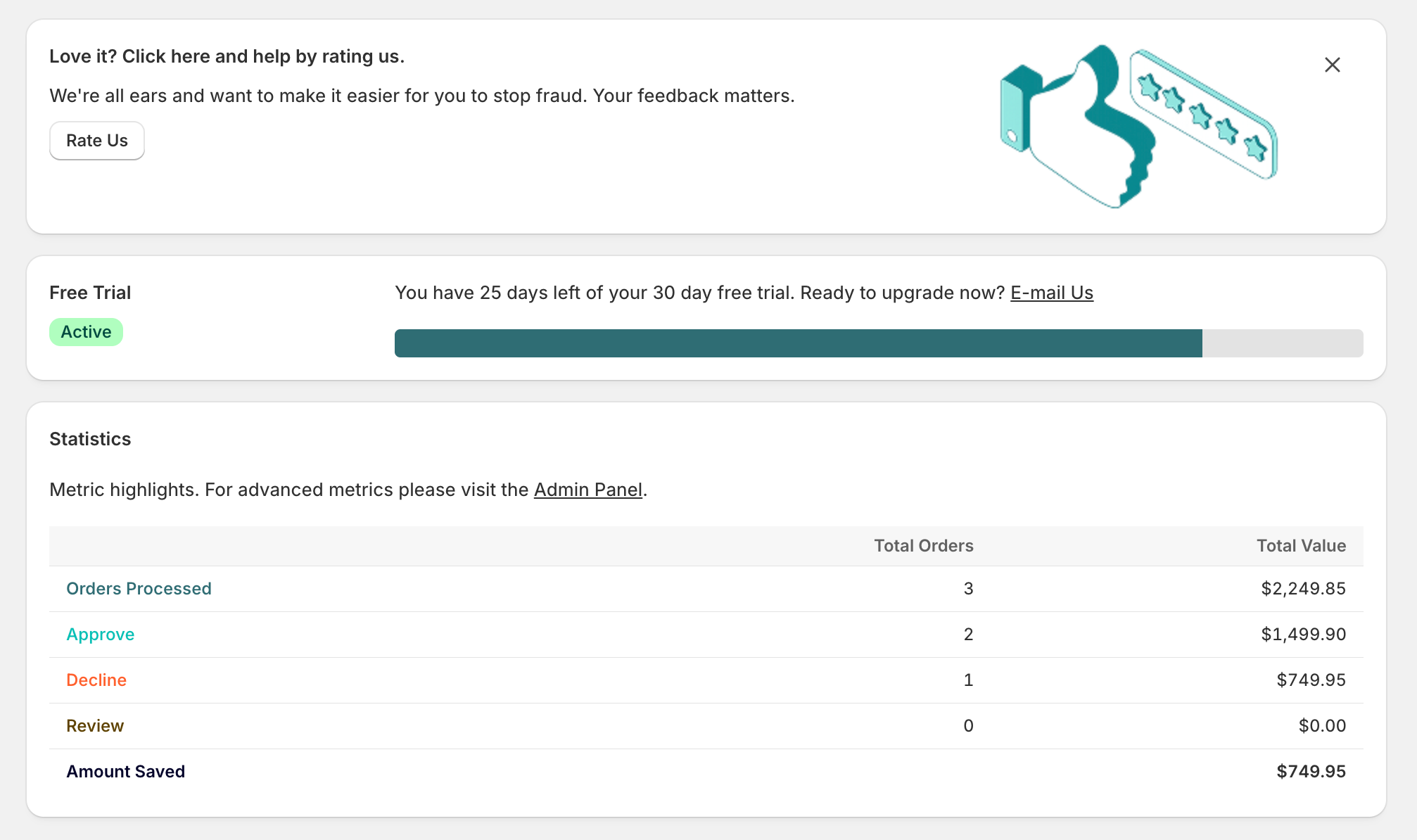
Account status
At the top of the Dashboard, you’ll see your current account status. There are three possible states:
- Free Trial (Active) — Your free trial is active. A progress bar shows the number of days remaining until the trial expires. During the trial, all orders are checked for fraud automatically.
- Account Status (Active) — Your SEON contract is set up and in good standing. Full fraud prevention is active.
- Account Status (Inactive) — Your account is not in good standing, or your free trial has expired. Orders will not be evaluated for fraud until the account is reactivated.
Statistics
Once orders have been processed, the Dashboard displays a summary of your fraud prevention activity from the last 30 days. The following metrics are shown:
- Orders Processed — Count of all orders analyzed and their combined monetary value
- Approve — Count of approved orders and their combined monetary value
- Decline — Count of declined orders and their combined monetary value
- Review — Count of orders in review and their combined monetary value
- Amount Saved — Estimated monetary value of prevented fraudulent orders
For more advanced metrics and detailed analytics, visit the SEON Admin Panel — a direct link is provided from the Dashboard.
First-time users
If no orders have been processed yet, the Dashboard will display a message prompting you to visit Settings and configure the app. Once your first order comes in and is analyzed by SEON, the statistics will begin populating automatically.
Quick links
The Dashboard header provides two buttons:
- Visit Support Page — Access documentation and help resources
- Visit Admin Panel — Open the full SEON platform in a new tab